
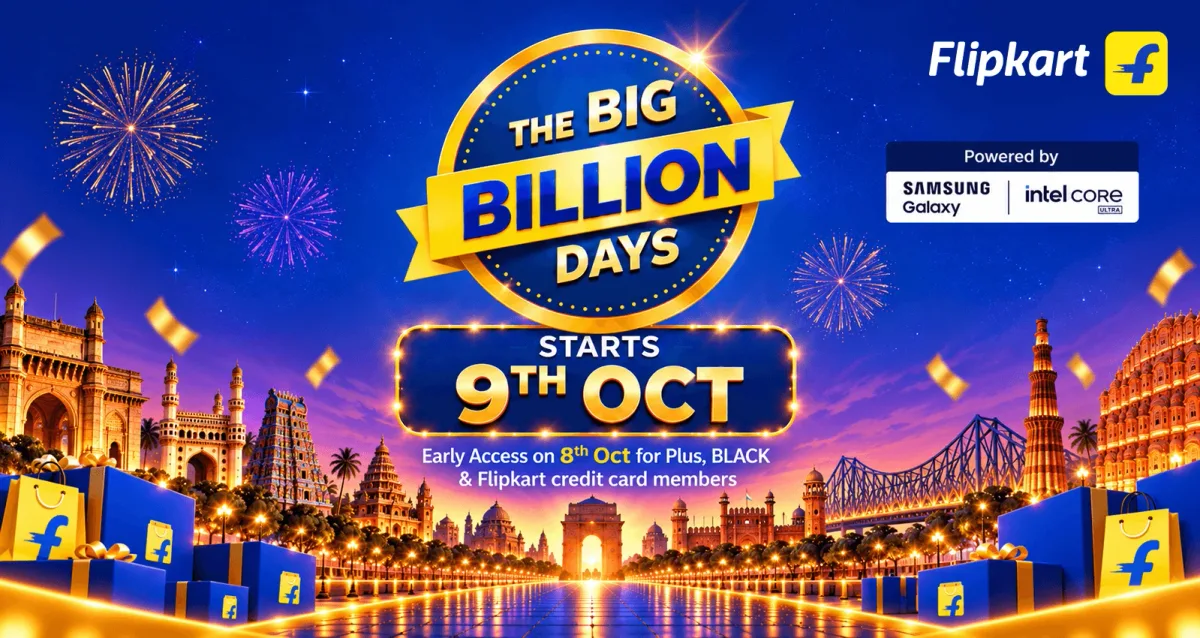
The biggest selling week of the year starts this week. Amazon's Great Indian Festival starts on 8 October. Flipkart's Big Billion Days start on 9 October, with early access from 8 October for Plus, BLACK and Flipkart credit card members. And Meesho's festive sale runs alongside.

For a seller, a sale is won twice: once when the order comes in, and again when it leaves on time. The day 50 orders become 500 is the day your packing desk decides whether you keep your ratings.
This week, your job is selling. Let Sellerio do the dispatch work.
 Add to Chrome — free
Amazon, Flipkart & Meesho · 7-day free trial · No API key or password
It runs in Chrome on a computer. On a phone, send yourself the link.
Where the festive rush breaks
When orders jump, selling is not the slow part. The slow part is the same manual steps, repeated hundreds of times:
- Typing weight and box dimensions for every Easy Ship order.
- Racing Amazon's 2 PM cutoff to schedule the Guaranteed orders.
- Downloading label PDFs, cropping them on another website, and writing the SKU on every label by pen.
- Choosing a Seller Flex box for every order.
- Opening every account and warehouse to find the pickup and return codes.
- A tired team under pressure: a wrong label on a parcel, an order shipped late, a missed pickup.
A late or wrong dispatch counts against your account health on every marketplace, and it happens right when the sale is bringing you new customers.
Your sale-ready checklist: do it before 8 October
- Fill in every SKU once. Weight, dimensions and box, so no order stops to ask during the sale.
- Get the label printer ready. 4×6 thermal labels (or A4 sheets), one test print, and label rolls and packing material for three times your normal day.
- Sign in to every account. Amazon, Seller Flex, Flipkart and Meesho, all ready in Chrome on the computer you will dispatch from.
- Set a daily run time before the cutoff. The day's orders then get processed even while you are busy with the rush.
- Plan pickups and returns. Know your courier's pickup time, and keep the pickup and return codes ready for the handover.
Sellerio Seller Toolkit is built for exactly this list.
What Sellerio Seller Toolkit does in the rush
Sellerio Seller Toolkit is a Chrome extension. It adds one card to the seller panels you already use, and runs the day's dispatch routine from there in one click.
Amazon Easy Ship. One click schedules the day's orders and downloads the labels, cropped to 4×6 with the SKU and quantity printed on each. Weights and dimensions are filled in for you: read from Amazon's own packaging details when you export your SKUs, or entered once on the card and remembered.
Amazon Seller Flex. Pick, pack and print in one run, with the box filled in for every order. Gift orders, which pile up in the festive season, are packed one by one at the end of the run. Every warehouse's return OTP comes in one tap.
Flipkart. Orders are accepted, the labels cropped and printed, and the orders marked Ready to Dispatch. The pickup OTC for every account and warehouse, and the return OTC, come in one tap.
Meesho. Pending orders are accepted, and the labels downloaded, cropped and printed. Each courier's return OTP comes in one tap.
Labels that print by themselves. With the free QZ Tray app, every run's labels go straight to your label printer. They come out sorted SKU-wise, so one SKU's orders come off the printer together, with a sequence number on each label, so if the roll runs out you know exactly where to restart.
Many accounts, one run. Run all your accounts in one go, with one combined pick list.
A daily time. Set it once and the Toolkit runs by itself at that time, and a Chrome notification tells you what was done and whether anything needs you. The computer must be on with Chrome open.
Add to Chrome — freeAmazon, Flipkart & Meesho · 7-day free trial · No API key or password
It runs in Chrome on a computer. On a phone, send yourself the link.
Safe for your busiest week
- It works inside your own Chrome, on the seller panels you are already signed in to. There is no API key to paste, and you never share a marketplace password with us.
- Label files are cropped on your computer and never uploaded anywhere.
- You keep using each marketplace's own pages. Any step can still be done by hand.
Set it up today, in 5–10 minutes
- On your computer, open sellerio.in/q/toolkit in Google Chrome.
- Click Add to Chrome, then Add extension.
- Create your free Sellerio account and verify it.
- Open your Amazon, Seller Flex, Flipkart or Meesho seller panel. The Sellerio card appears there.
- Press Run on today's orders. To have it run every day, add a daily time on the same card.
A new account gets every feature free for 7 days, so the first week of the sale runs on it before you decide. See the plans.
Add to Chrome — freeAmazon, Flipkart & Meesho · 7-day free trial · No API key or password
It runs in Chrome on a computer. On a phone, send yourself the link.
Questions sellers ask before the sale
When does Amazon's Great Indian Festival 2026 start? On 8 October 2026.
When do Flipkart's Big Billion Days 2026 start? On 9 October 2026, with early access from 8 October for Plus, BLACK and Flipkart credit card members.
Do I need a special printer? A 4×6 thermal label printer works best. Labels can also be laid out on A4 sheets for a regular printer.
What happens when an order needs me? The card stops on that order and asks, for example for the weight of a SKU it has not seen yet, and remembers your answer for the next one.
Is it free? It is free to install, with a 7-day free trial of every feature for a new account. See the plans for after the trial.
Sell more this season. Let the labels print themselves.
Install it today, and let tomorrow's orders show you how much of the rush it takes off your desk.
Sale banners: Amazon.in and Flipkart. Amazon, Great Indian Festival, Flipkart, The Big Billion Days and Meesho are trademarks of their respective owners. Sellerio is independent and not affiliated with them.